
Painting a Landscape
| Adding Water for a lake or river "Layers" - "New Raster Layer". Call the layer 'Water' You should already have the horizon selected from the previous page "Selections" - "Invert" "Edit" - "Copy Merged" Activate the "Water" layer and "Edit" - "Paste As a New Selection"  "Image" - "Flip" Drag the selection to the bottom of the canvas. 
In the "Layers" palette drag the "Foothills" layer above the "Water" layer. 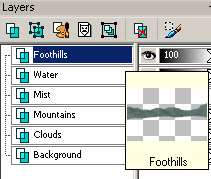 With the Water layer active "Blur" - "Motion Blur" 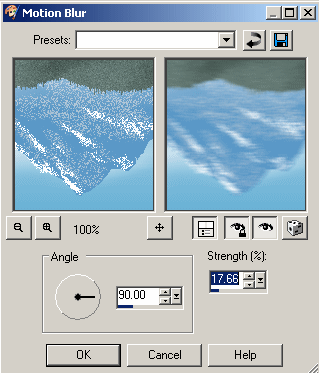 
Next : A painting I did using these methods Back Home |